
Remote control
Fix it without walking to the fourth floor
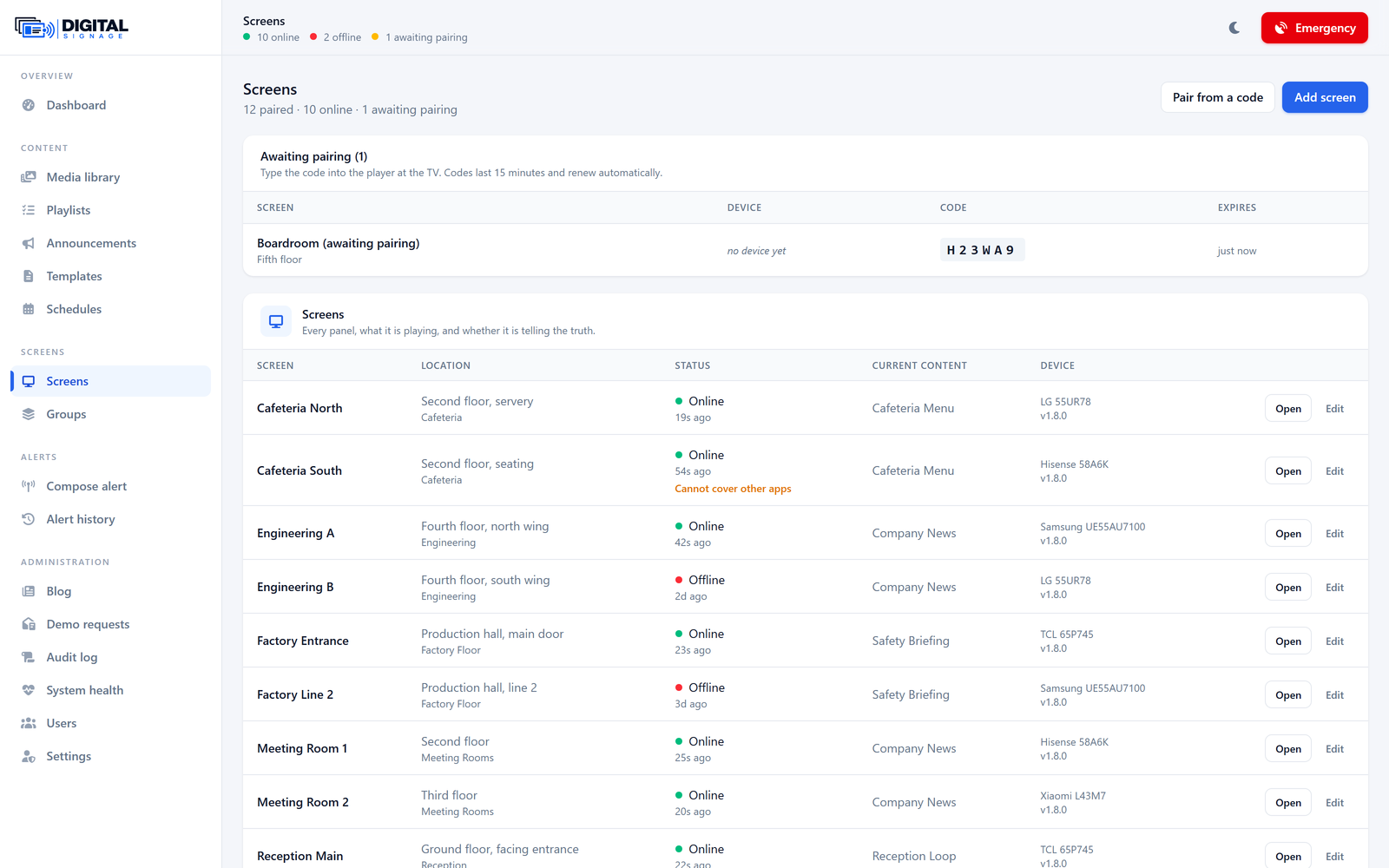
Refresh, restart, clear, re-sync, identify — from the panel, per screen or per group.
Each screen advertises which commands it supports, so the panel never offers one that a given device cannot carry out. Identify puts the screen’s own name on it in large type, which is how you find one specific set in a row of ten identical ones.
There are deliberately no operating-system level commands. Nothing here can brick a television, and nothing here needs a site visit to undo.
What you get
- Twelve commands, and a screen declares which it supports
- Identify: the screen says its own name, for finding it in a row
- Blank a screen, or bring it back, without unpairing it
- No OS-level operations — nothing can brick a set
- A full audit trail: who did what, to which screen, when
See it yourself
A live system with your own login, and someone to walk you through this specific part of it.
Request a demoAlso in the product
The rest of it
See it running on your own screens
We will set up a live system with your own login, and walk you through anything you want to see.
No open demo, no sign-up wall — a person reads every request.