
See it
Every screen, photographed rather than mocked up
These are the real product with a real fleet in it — thirteen screens across six floors, two of them down for days, one that cannot cover other apps. A screenshot where everything is green teaches nobody anything.
The panel
What an operator sees
Twelve pages, in the order you would meet them.
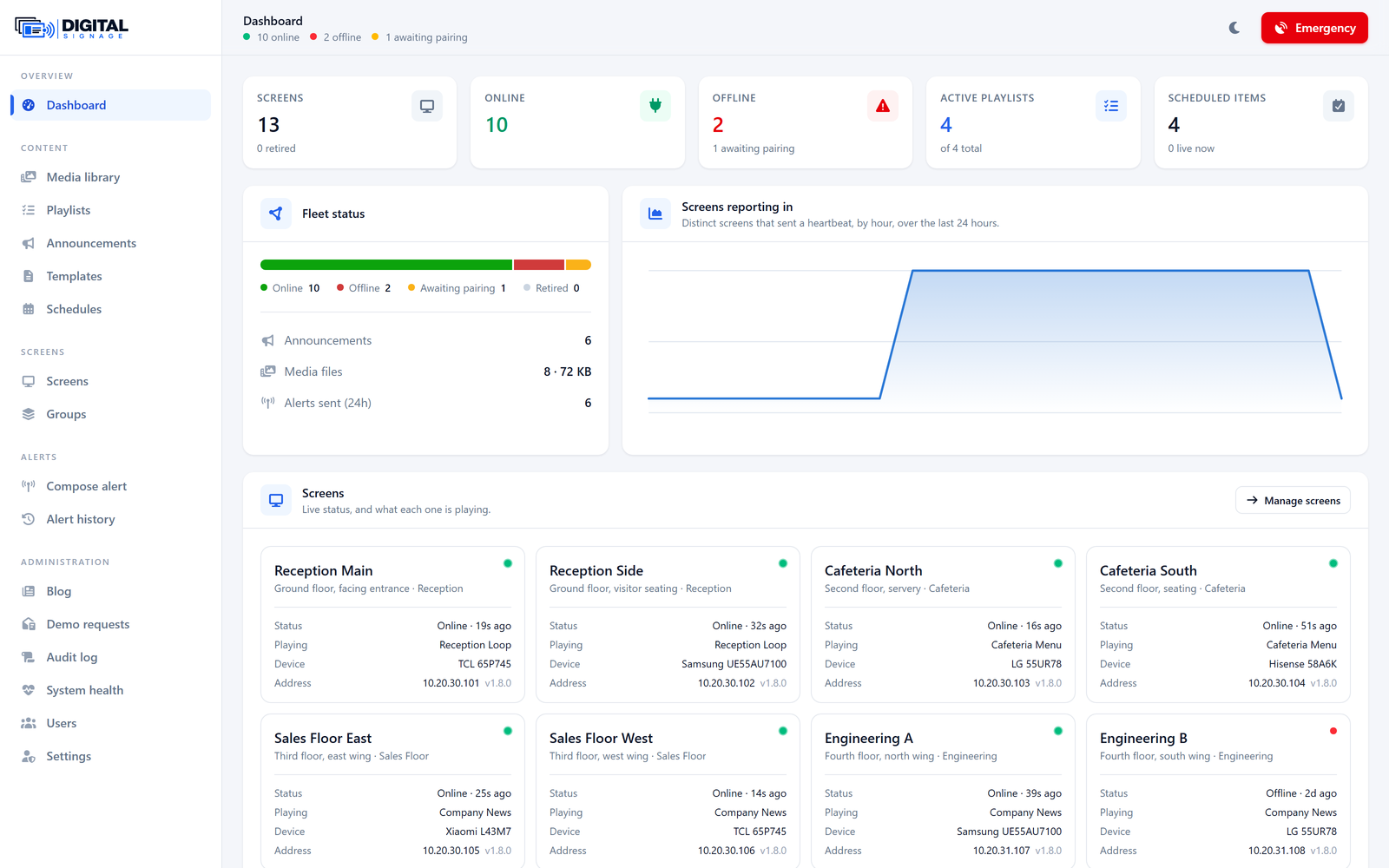
Dashboard
Fleet status, uptime, and what every screen is playing.
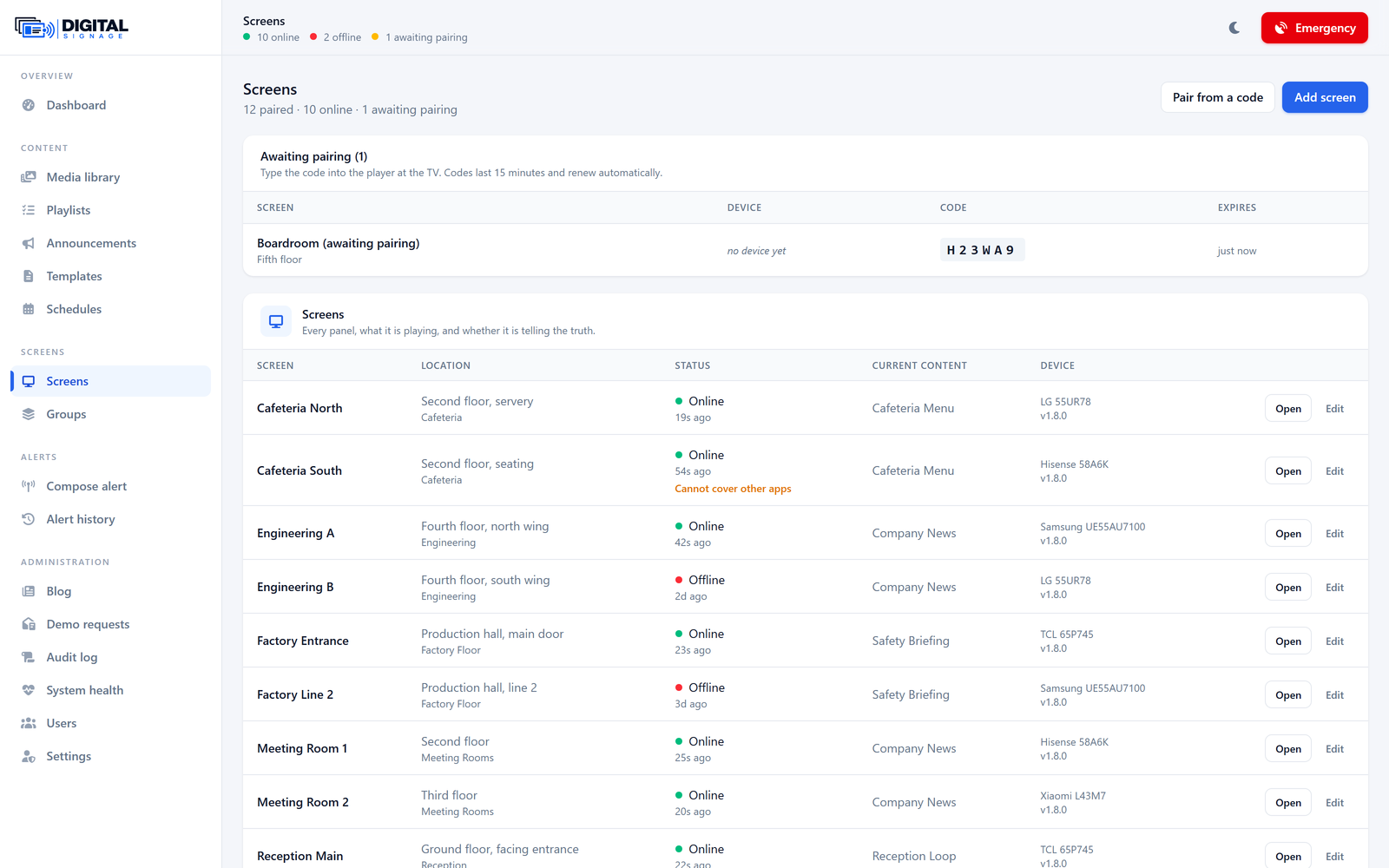
Screens
Pairing codes, live status, and per-screen controls.
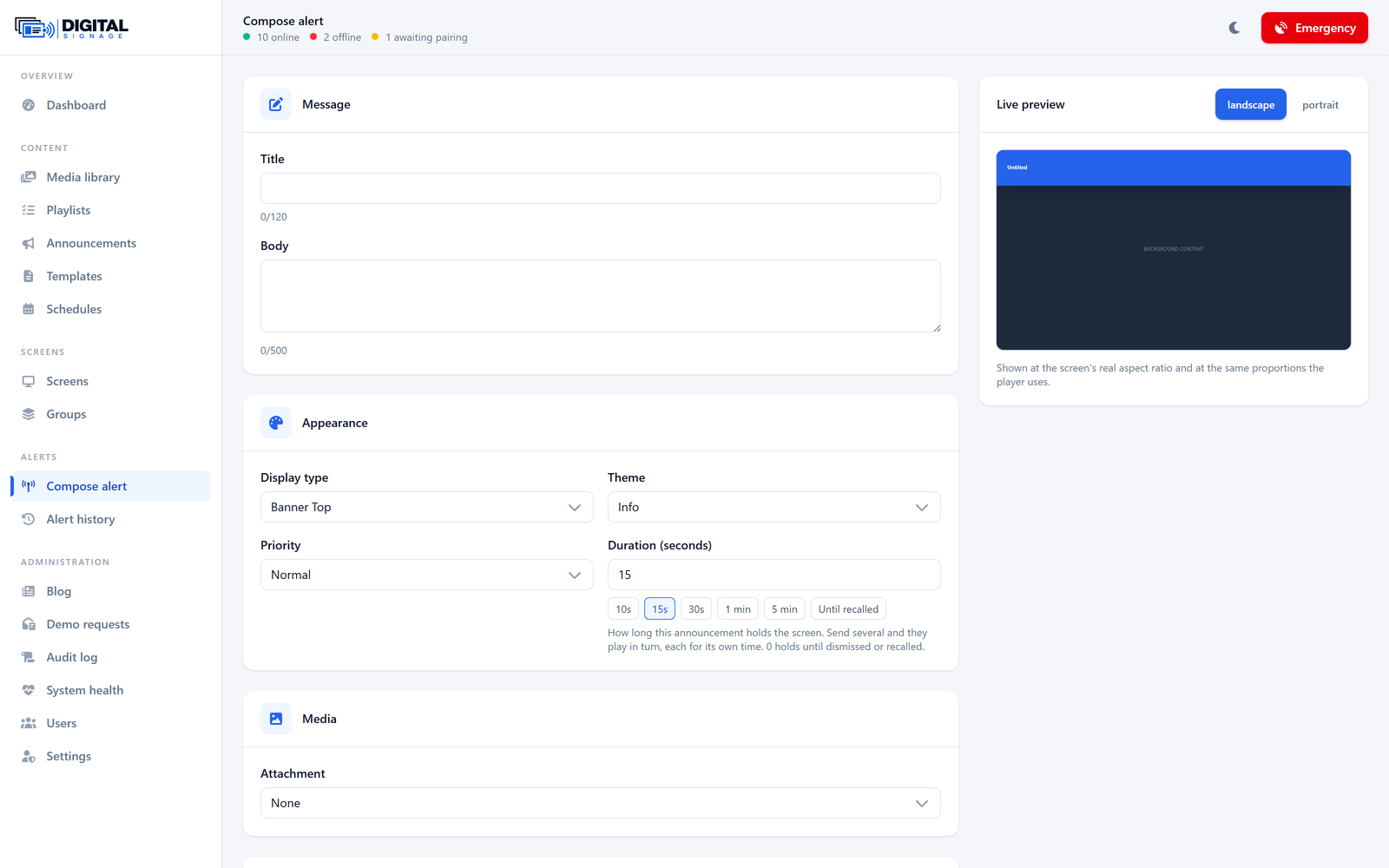
Compose an alert
Layout, priority, duration and targets, with a live preview.
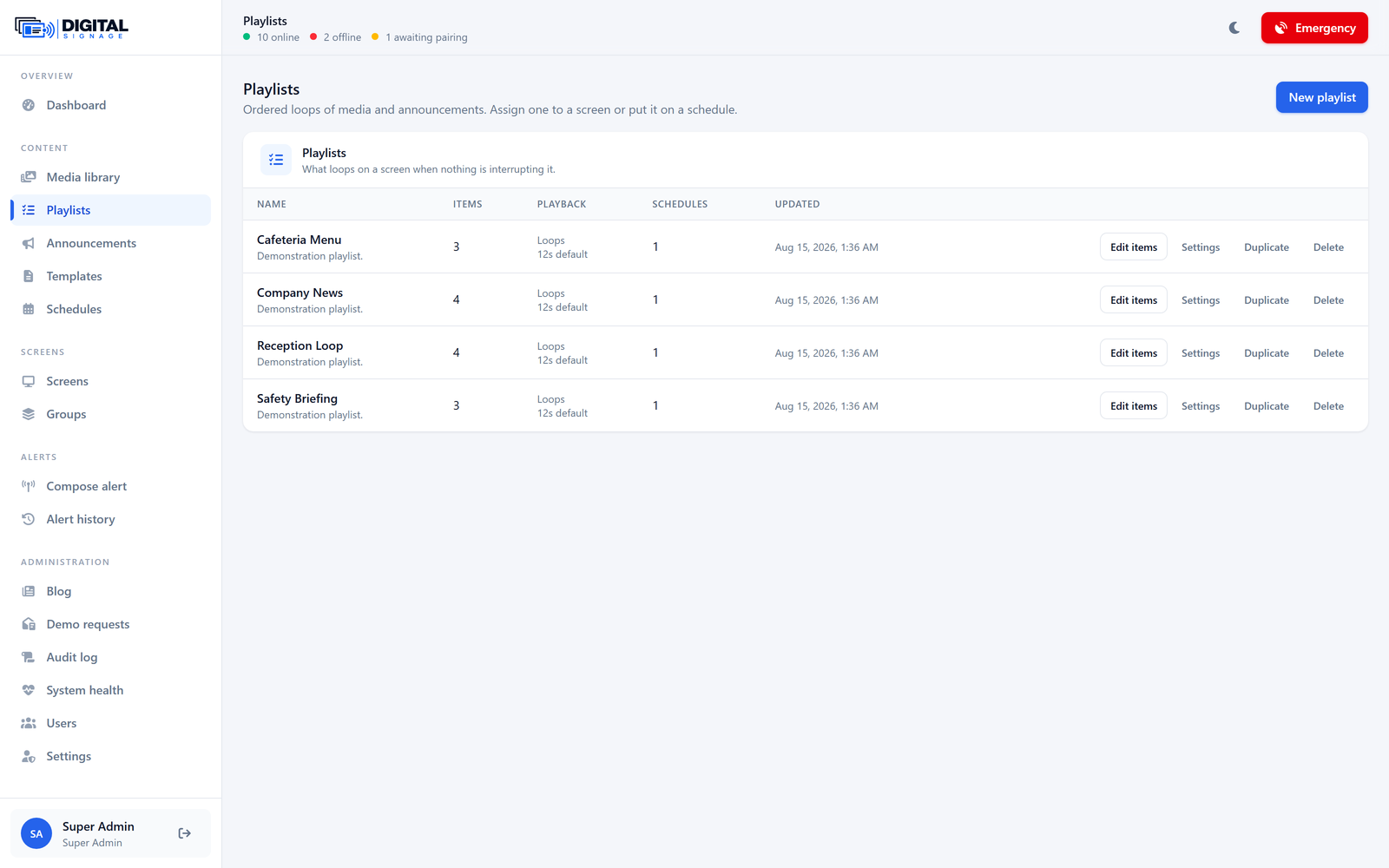
Playlists
Loops of media and announcements, with per-item timing.
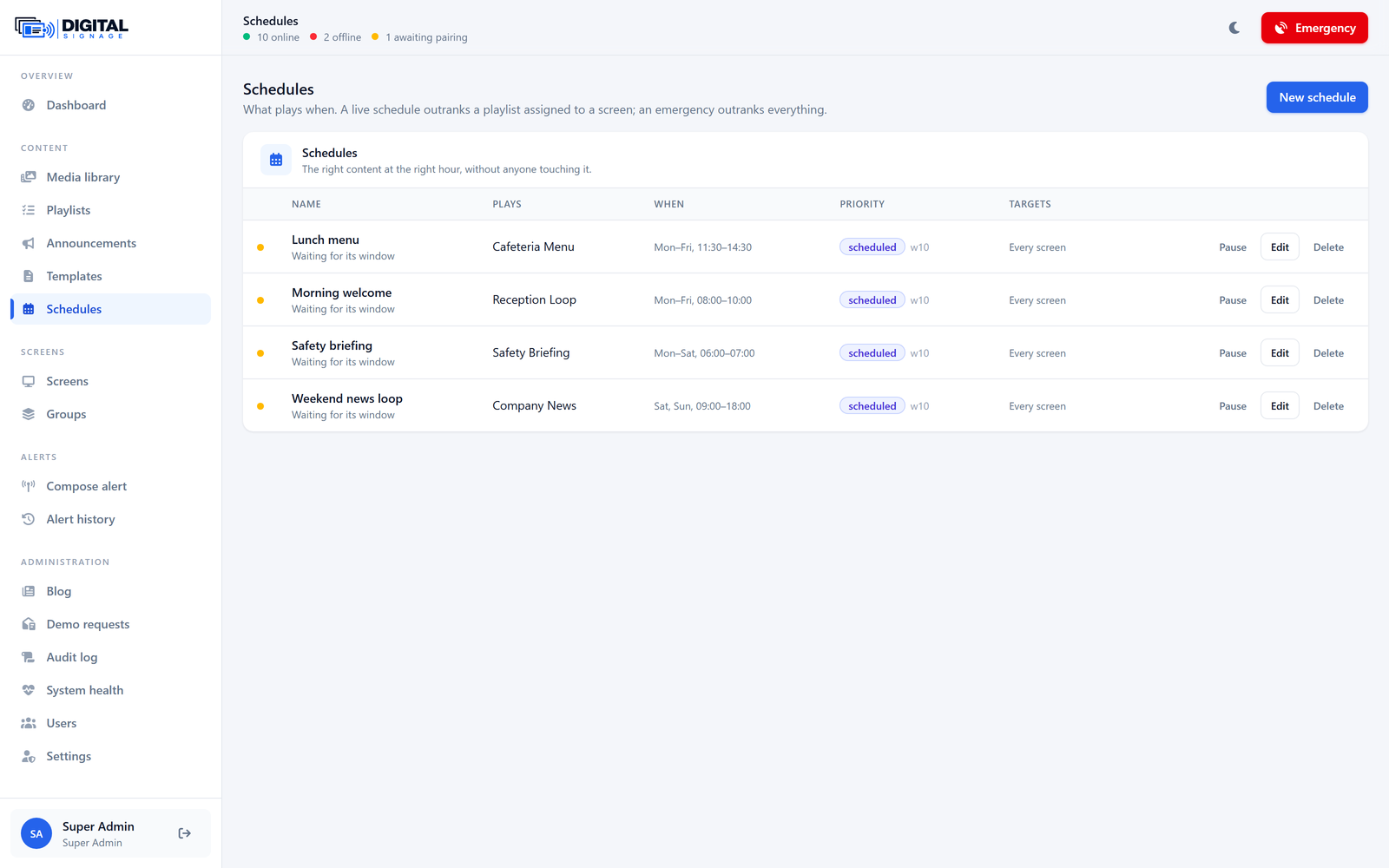
Schedules
What plays when, and on which screens.
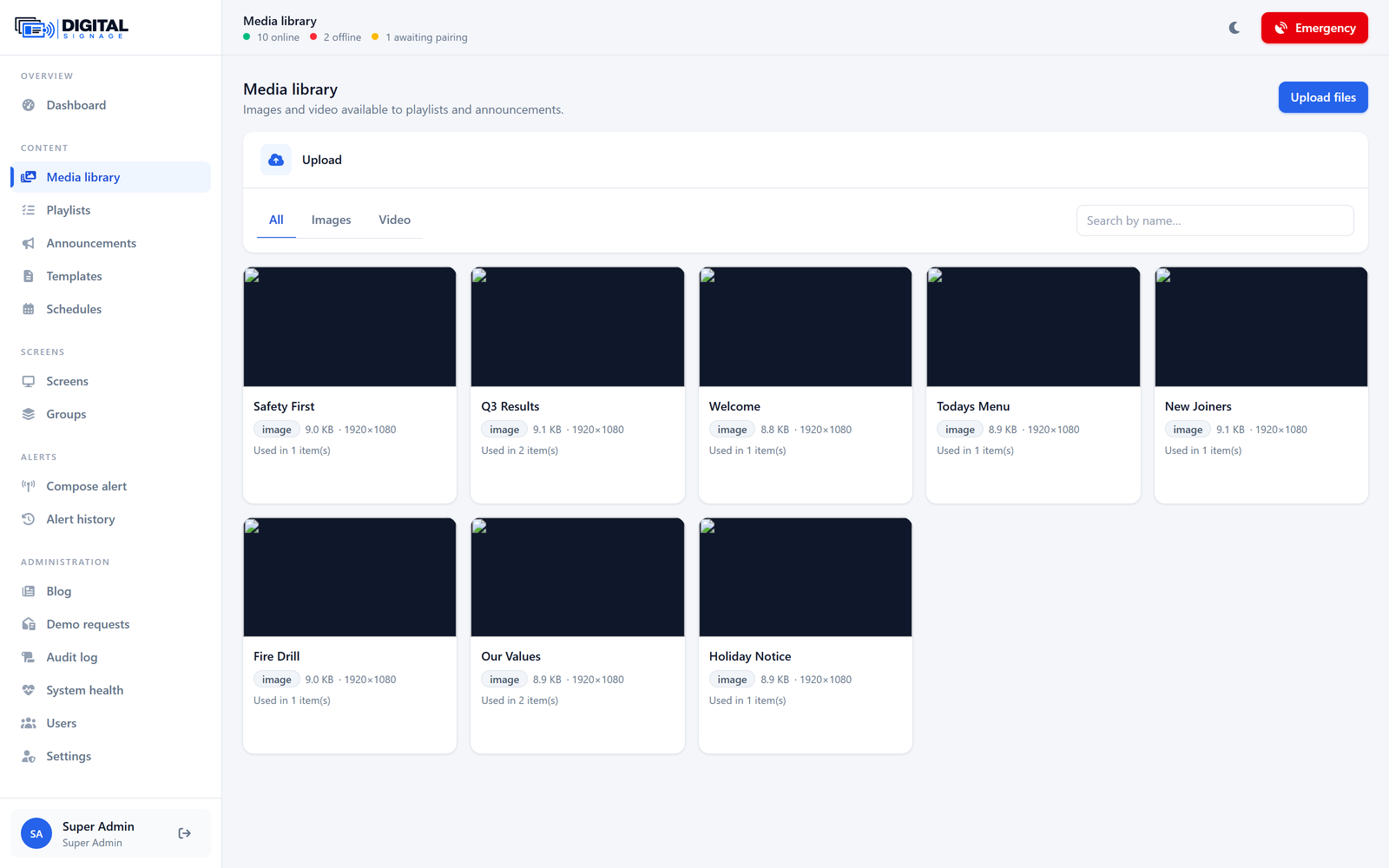
Media library
Images and video, checksummed and deduplicated.
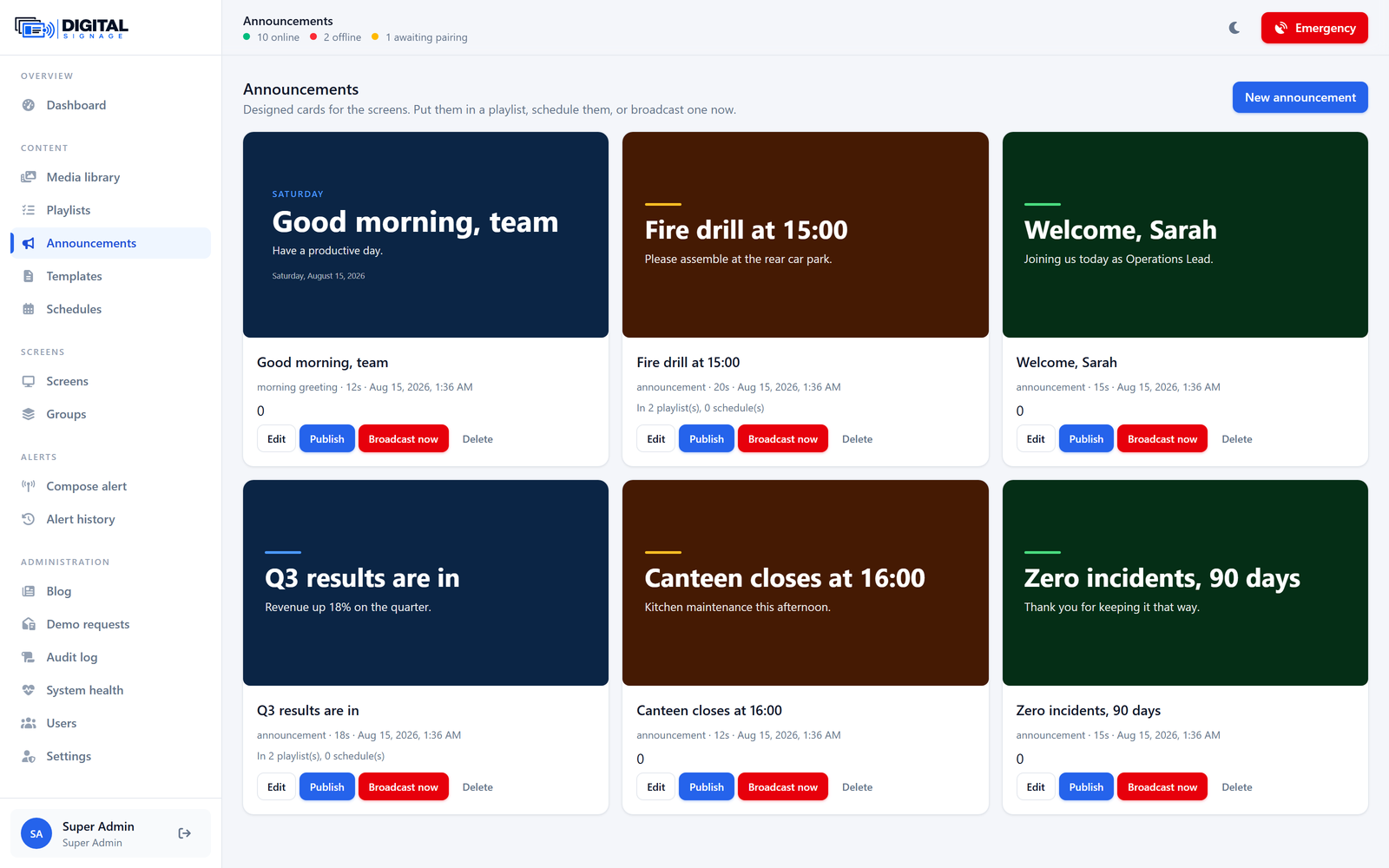
Announcements
Designed cards that need no external design tool.
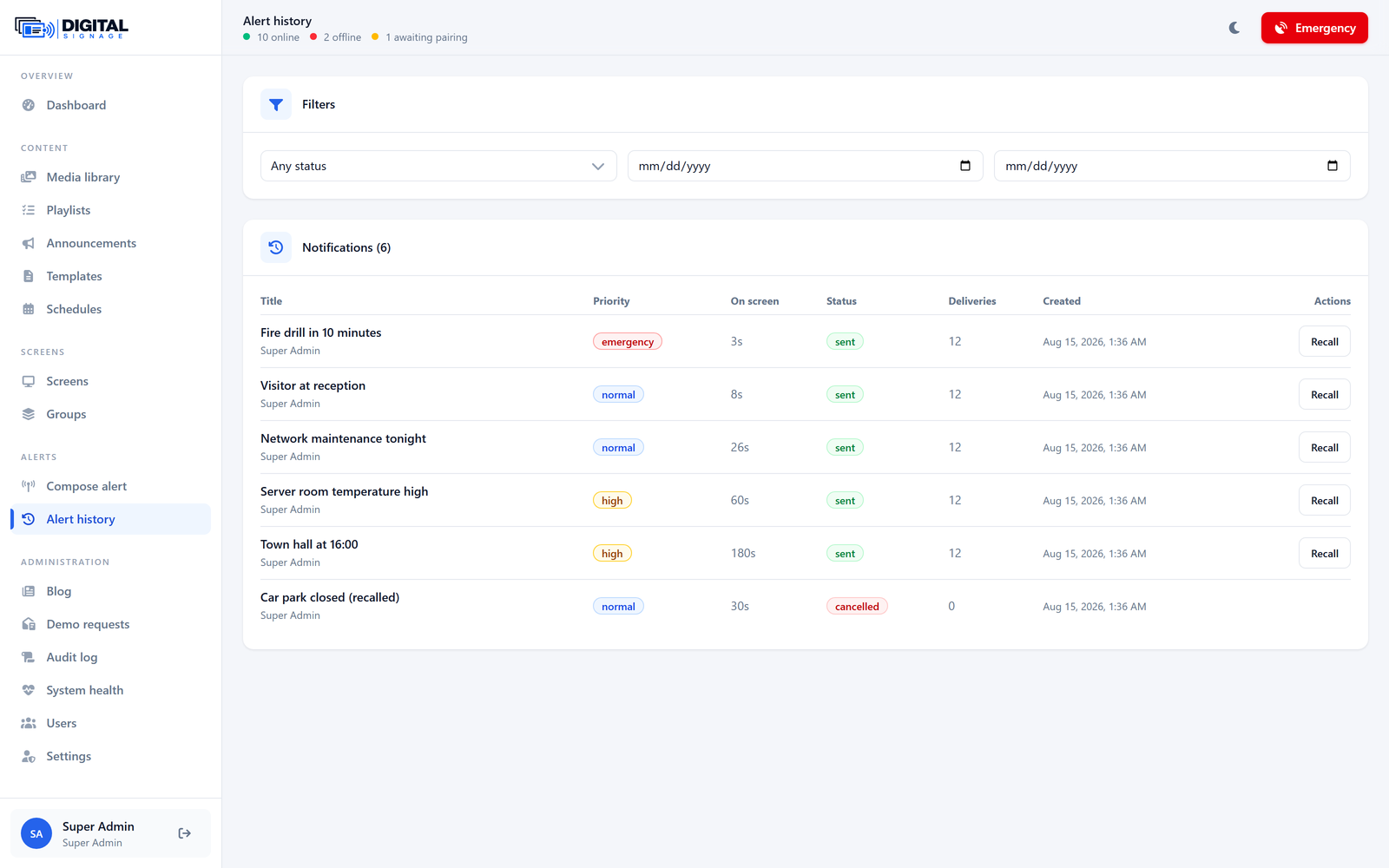
Alert history
Every alert sent, with its delivery report.
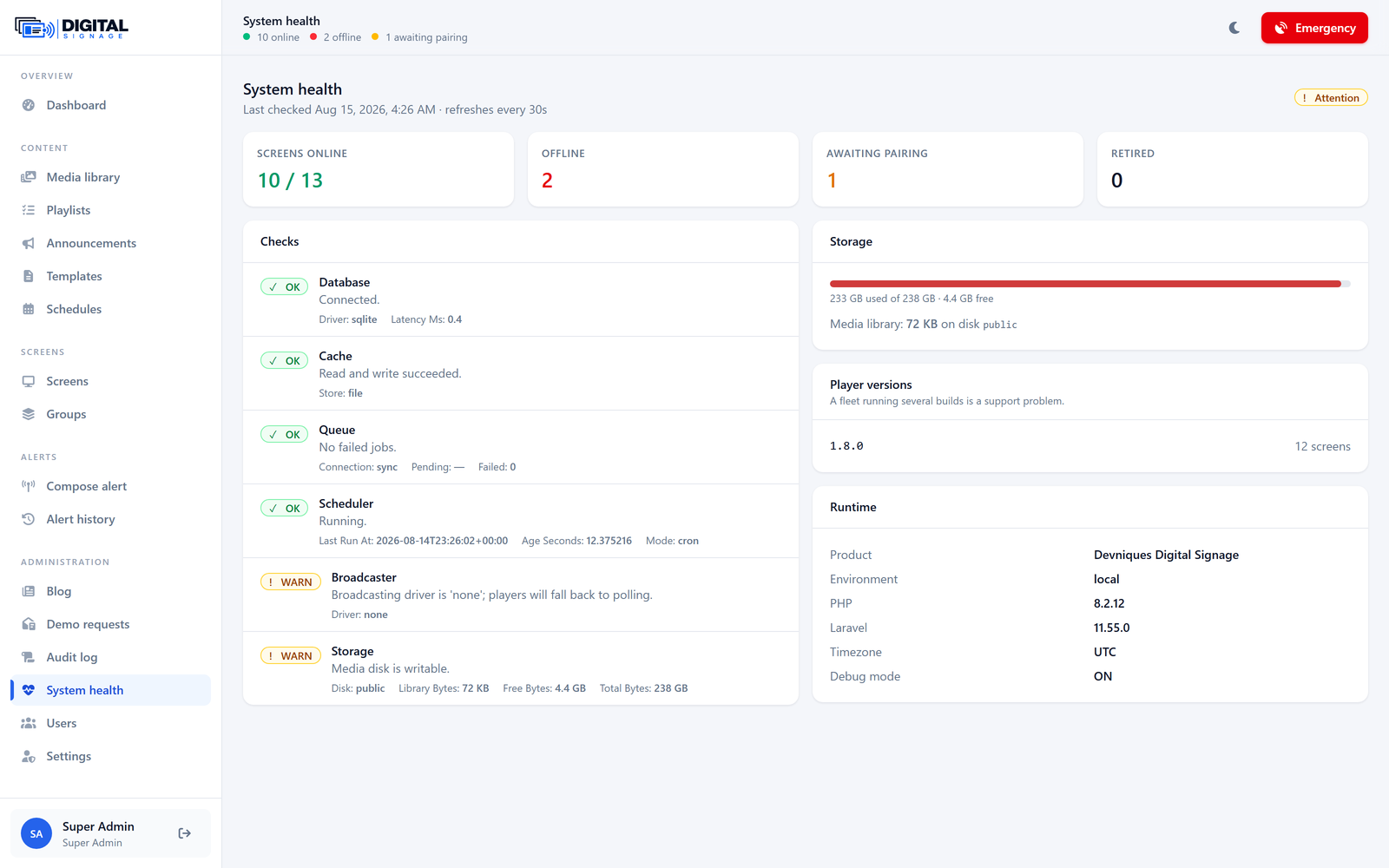
System health
Database, queue, scheduler, storage and broadcaster.
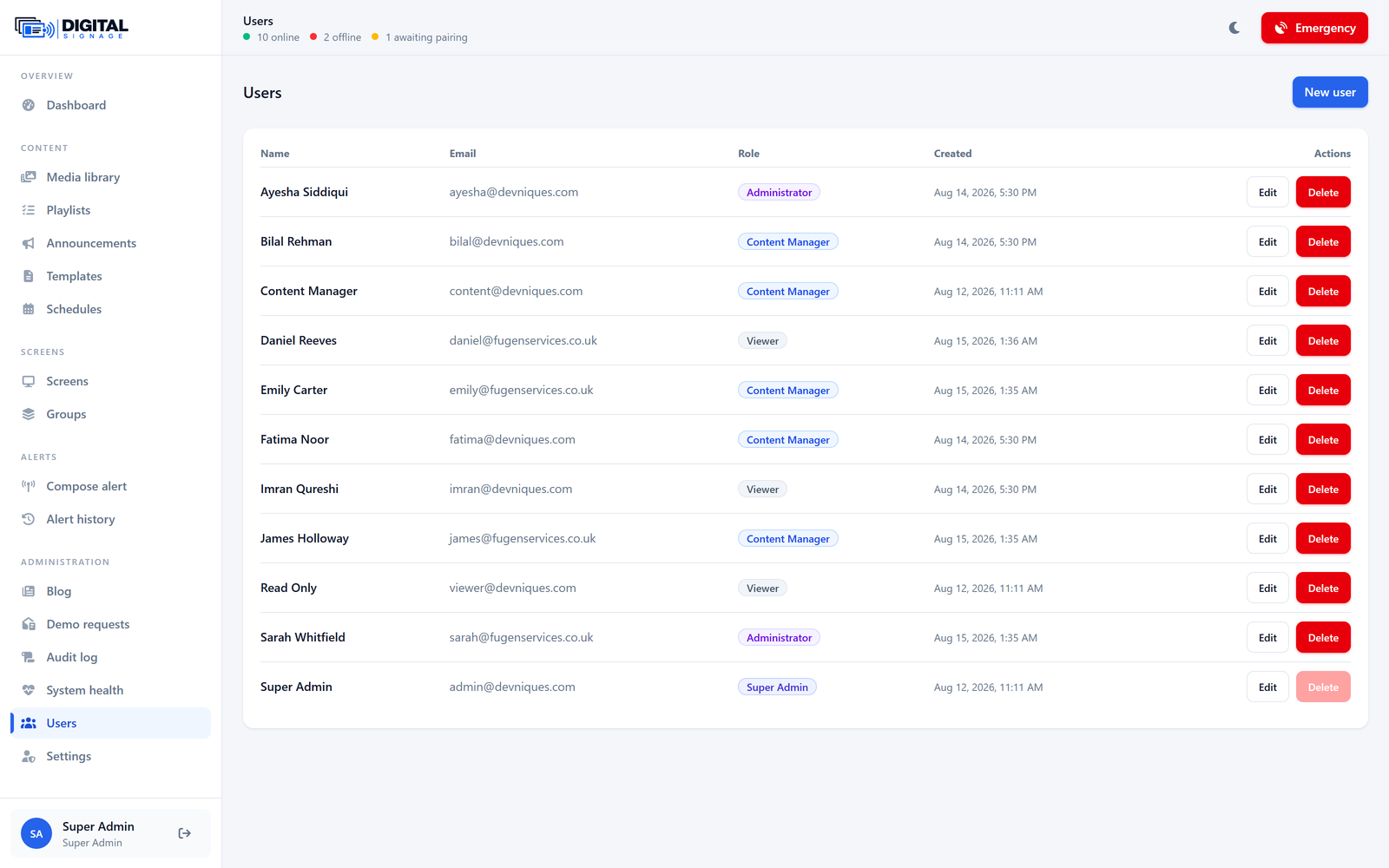
Users & roles
Five roles, permission-gated rather than role-checked.
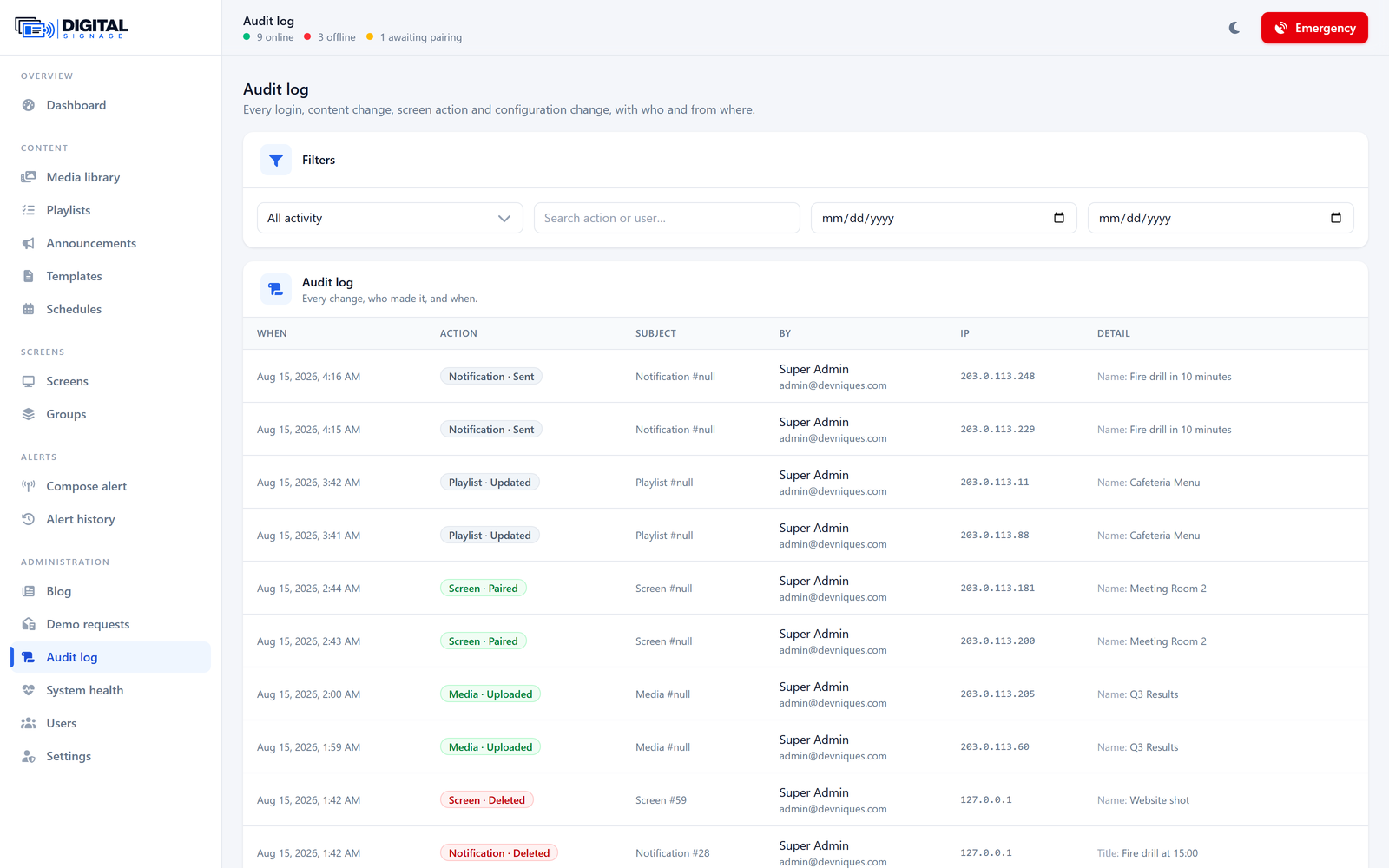
Audit log
Who did what, to which screen, when.
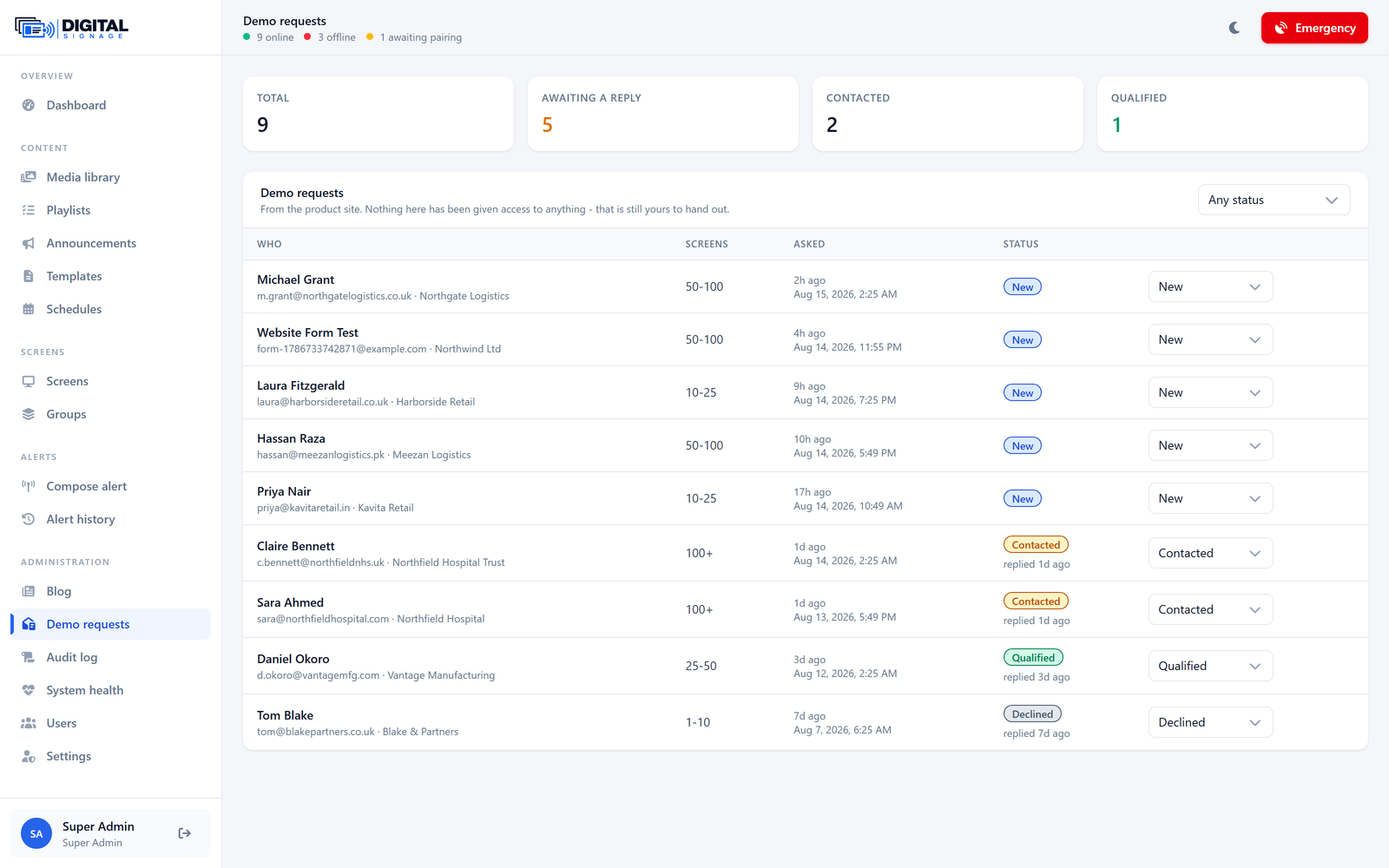
Demo requests
Leads from the product site, in the same panel.
The wall
What everybody else sees
Nobody buys signage for the admin screen. This is the product from the corridor.
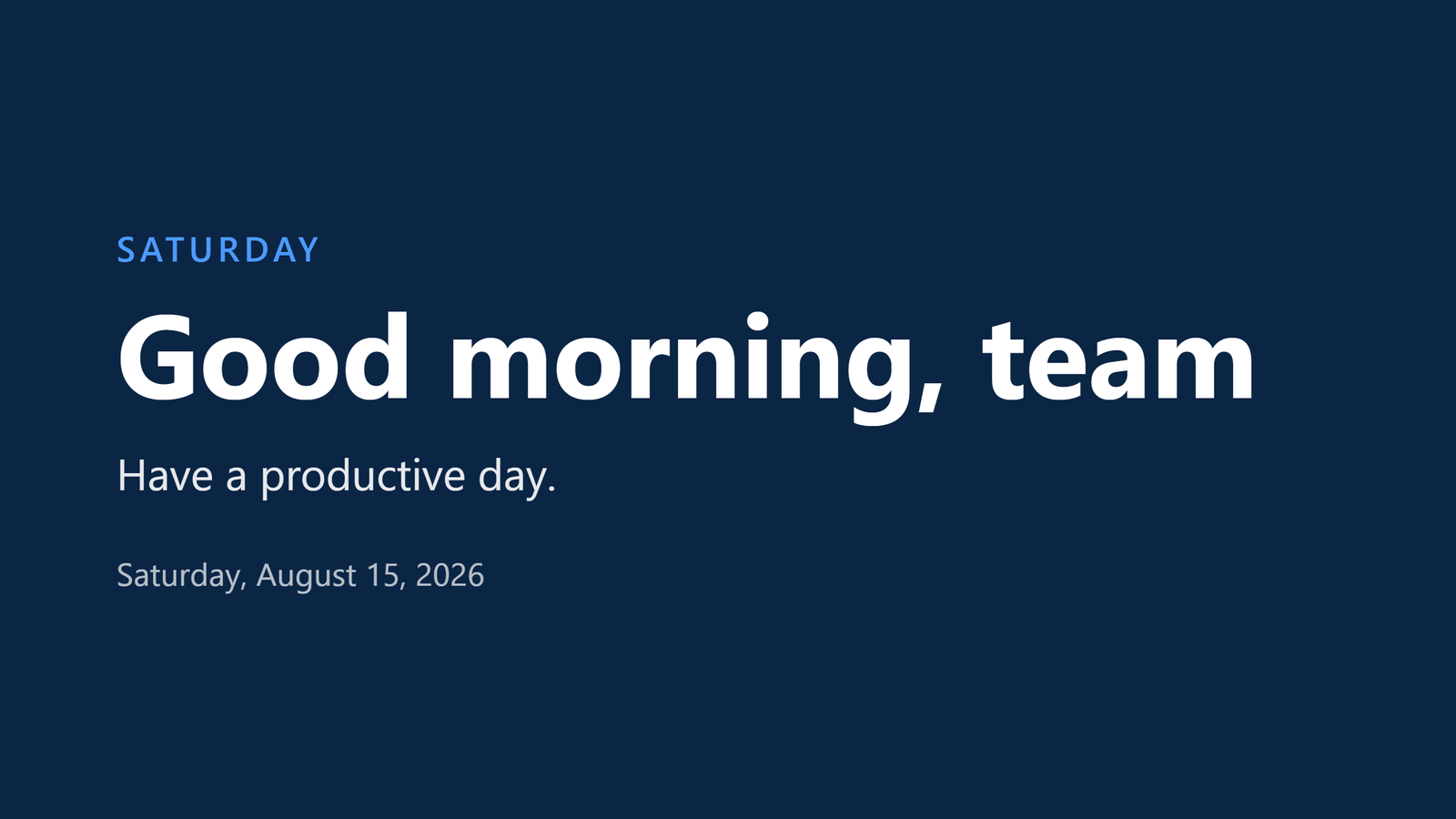
Content playing
A designed announcement from the loop, filling the screen.
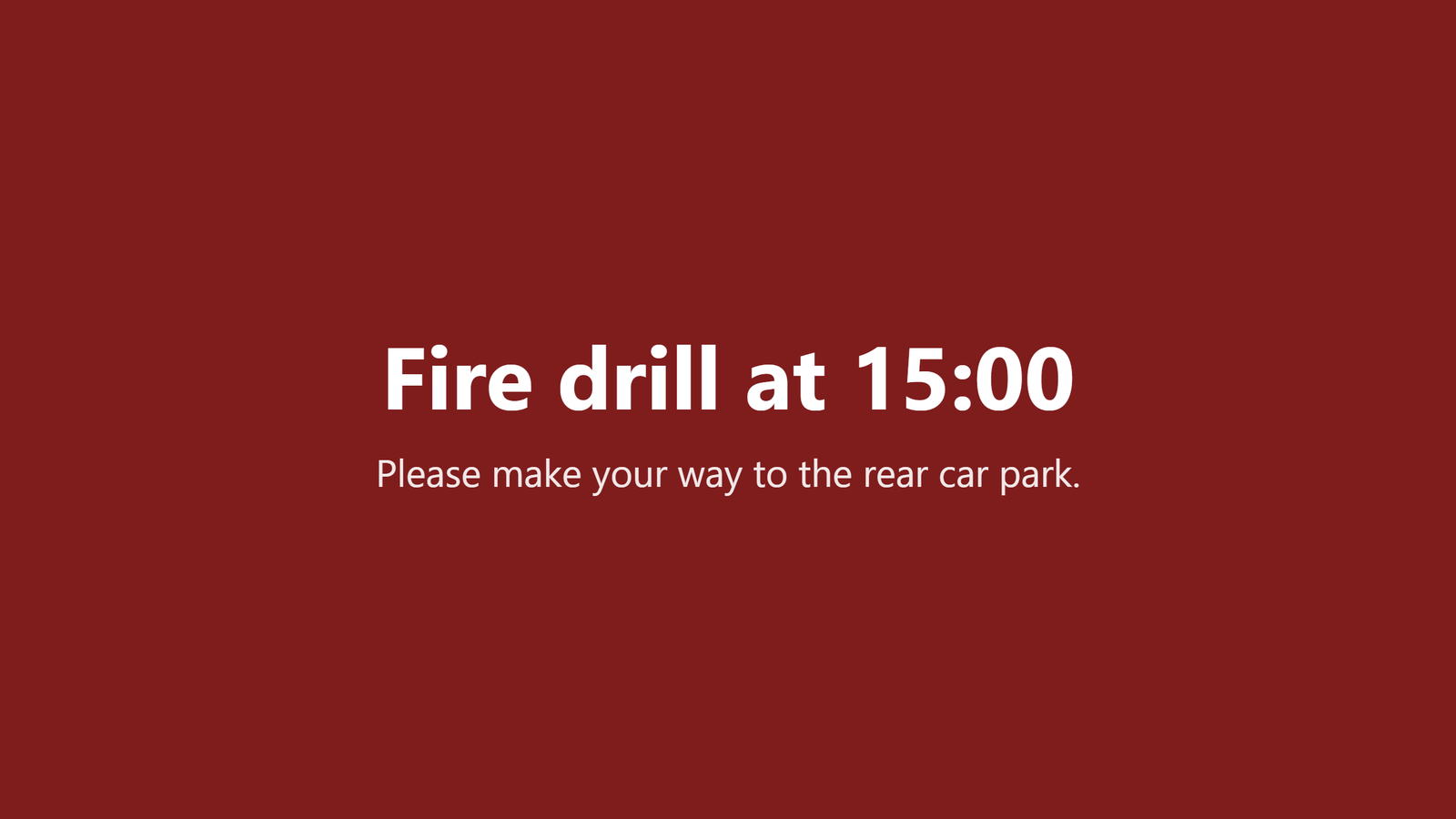
An emergency alert
Takes the whole screen, whatever was playing, until its time is up.
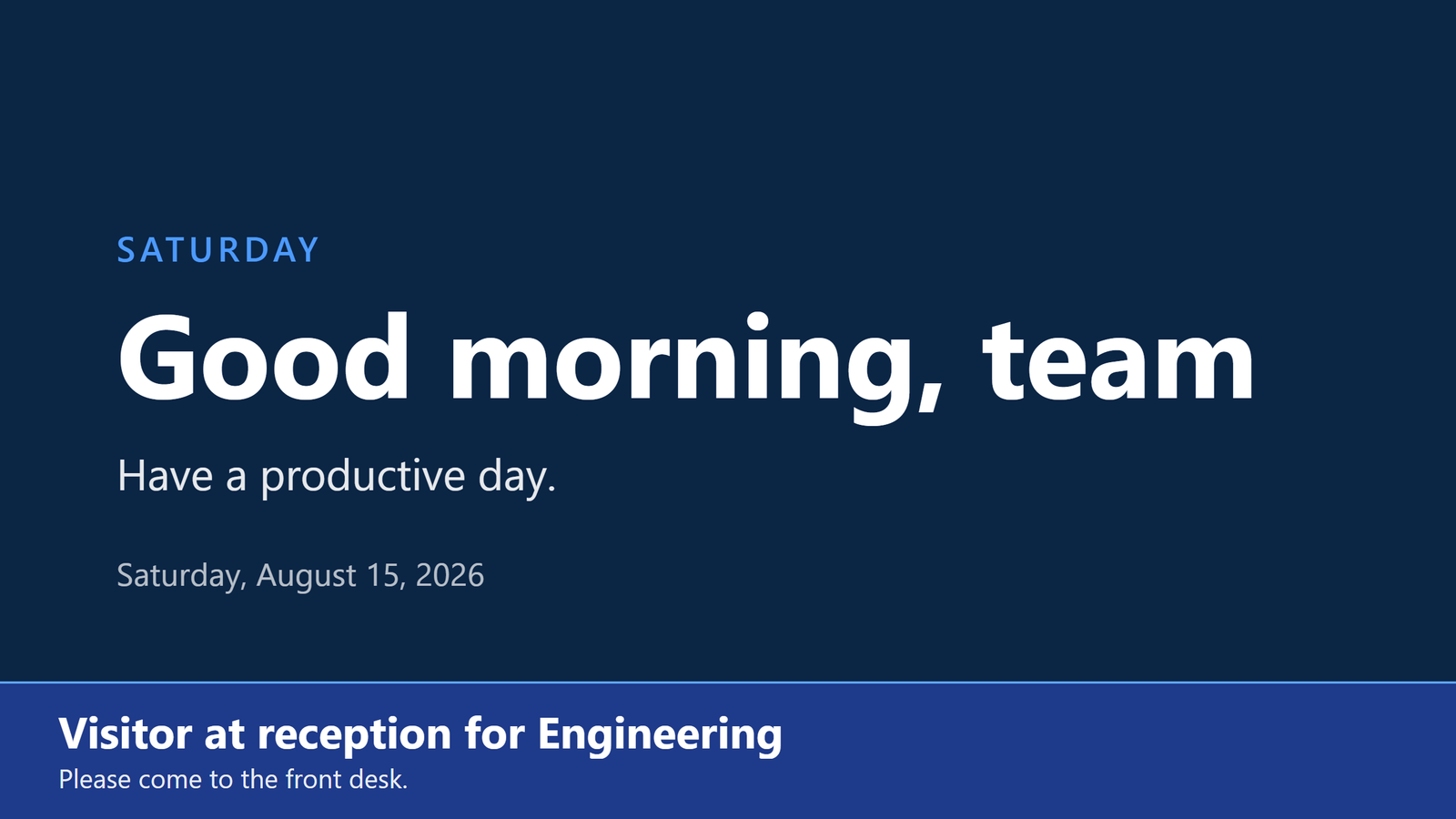
A banner over content
Lower priority interrupts less: the loop keeps running underneath.
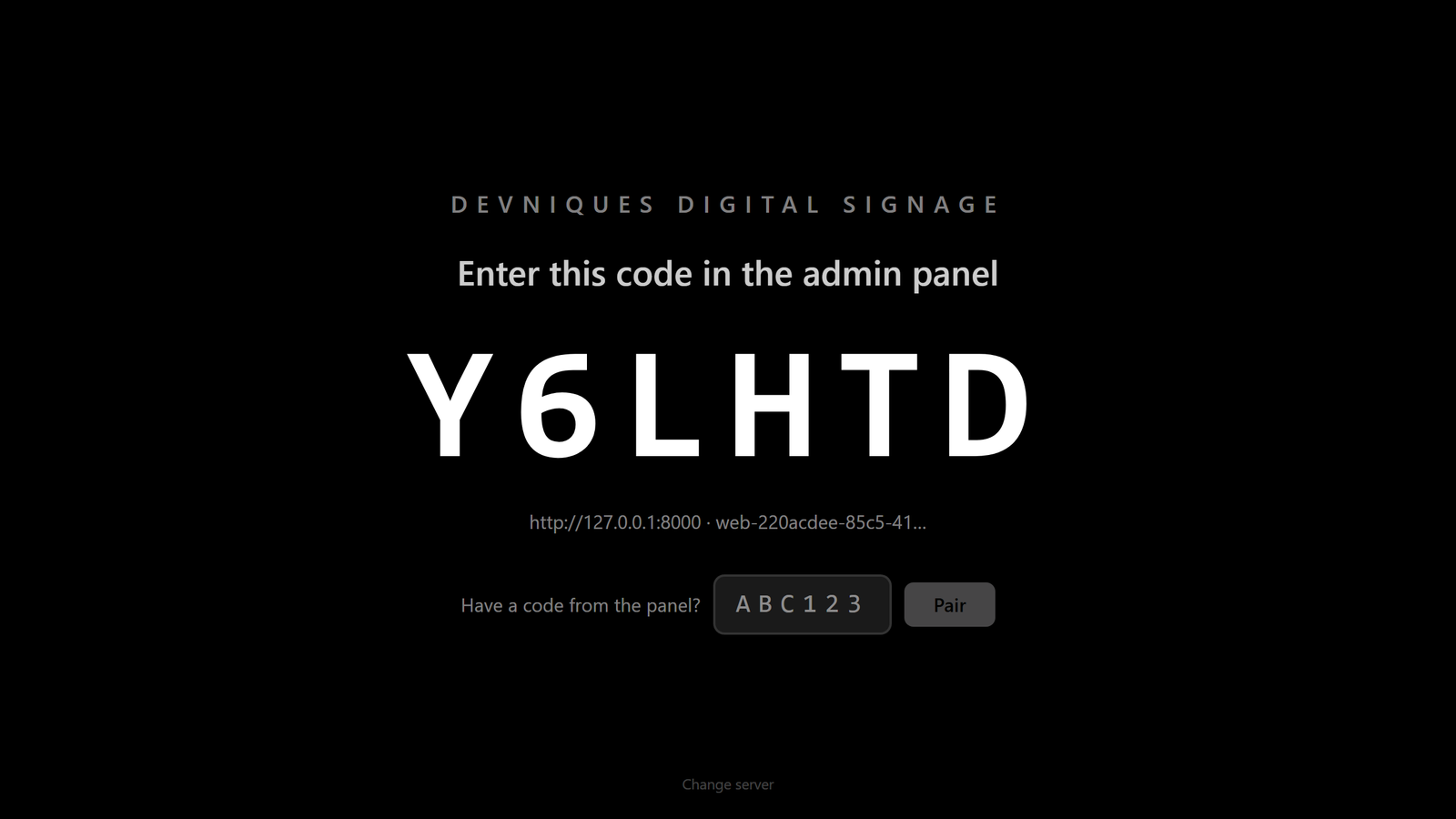
A screen waiting to be paired
Six characters, typed into the panel once. That is the whole setup.
Screenshots only go so far
Ask for a demo and drive it yourself: send an alert, watch it land, take a screen offline and see the panel notice.
No open demo, no sign-up wall — a person reads every request.